What I Found
Open for the whole scene
The wallpaper is a small detail that is easier to show in motion. With the iPhone Duo closed, the narrow screen gives a glimpse of the forest-and-water scene. Opening the phone reveals the wider picture.
In this short demonstration, I tilt the phone, open it, close it, and open it again. You can watch how the scene looks across those changes rather than relying on a single still image. The on-screen prompts follow that simple idea: one screen gives you a glimpse; open it for the whole scene.
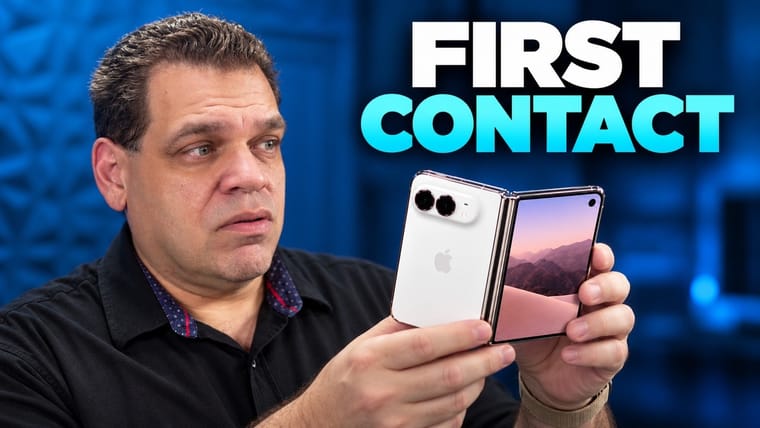
This is a visual demonstration with on-screen text. For a broader look at the phone, including the unboxing and first fold, I have linked my iPhone Duo first look below.
The product footage and demonstration were recorded by me. The background music was generated with MiniMax Music 3.
What this video covers
- The spatial wallpaper on the narrow screen
- Opening the Duo to reveal the wider forest-and-water scene
- Tilting, closing, and opening the phone again
The short version
The closed Duo shows a glimpse of the wallpaper; opening it reveals the wider scene. The video is a quick look at that effect in motion, with on-screen text and music.